 PAP Checker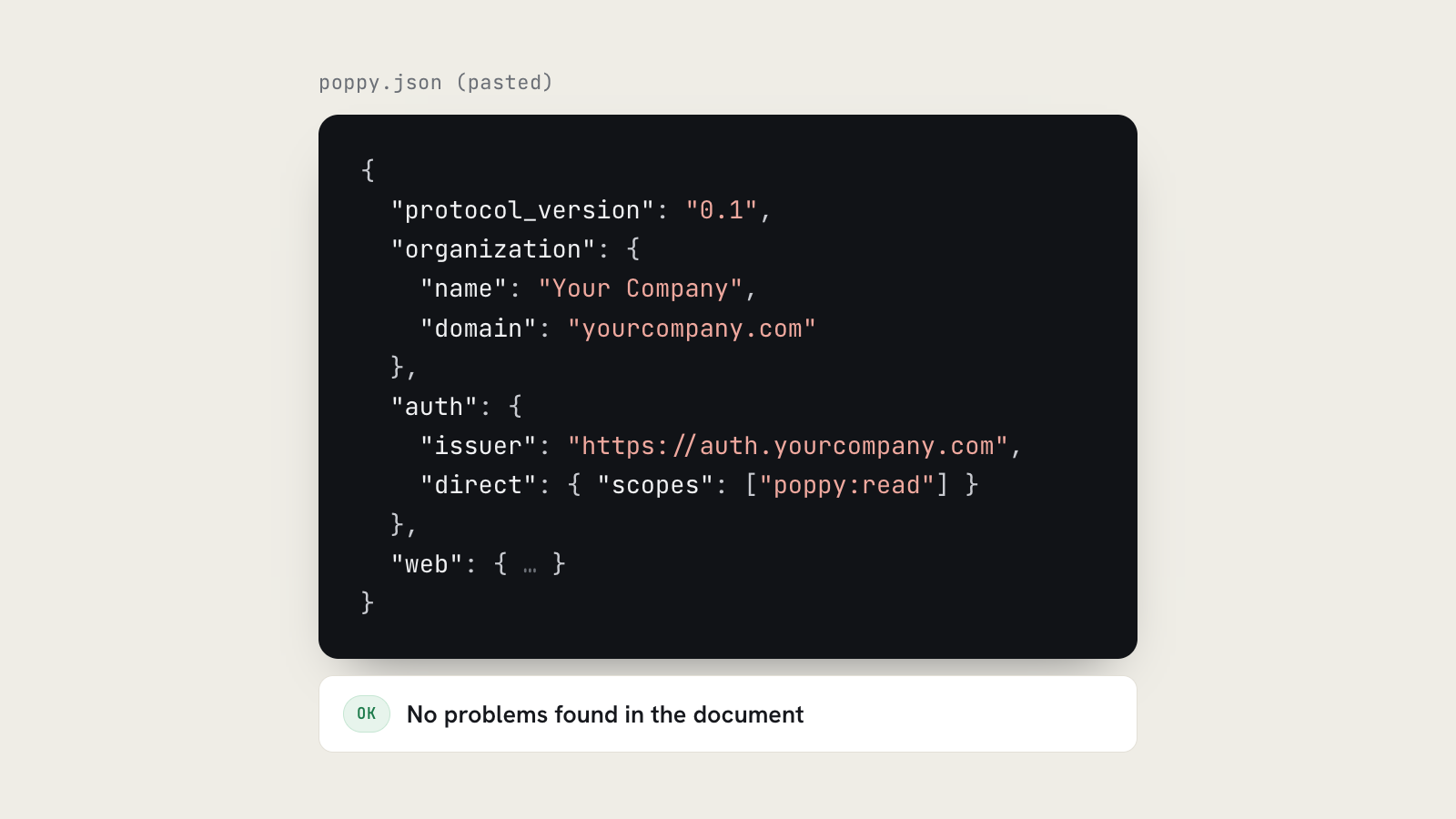
Most of a Personal Agent Protocol setup starts with one small file: poppy.json, served at /.well-known/poppy.json. It tells a personal agent who you are, how your customers sign in and which routes it can use: your APIs, your website or your own company agent. If the file is wrong, an agent stops before it reaches any of them.
Until now you could only check that file once it was live. The new poppy.json validator checks it before you publish.
What it does
Paste a document and press Validate. You get the same results as a live check, grouped the same way, with the section of the draft each rule comes from:
- Discovery: a
protocol_versionagents can read, and anorganization.domainthat matches the domain you will serve it on. - Sign-in:
authwherever sessions need it, an HTTPS issuer, the sign-in types you offer (direct, device, mediated) and their scopes. - Routes: at least one of
agent,apisorweb, with the endpoints each one needs. - APIs and extensions: a type, URL and description for each API, and a version and endpoint for each extension.
Add the domain the file will be served on, and the validator checks organization.domain against it. Leave it out, and it checks everything else.
What it doesn't do
The validator reads only the text you paste, so some checks need the live version. Once your file is published, the domain check also confirms that:
- it is served over HTTPS at the well-known path;
- your sign-in server's OAuth metadata names the same issuer and lists your domain in
poppy_domains; - the OpenAPI and MCP descriptions you list can be reached.
The second is easy to miss, because it lives on your sign-in server, not in poppy.json. A personal agent must refuse a document whose issuer doesn't confirm the domain, so it is worth running the live check as soon as the file is up.
A starting point
If you are writing your first poppy.json, the guide walks through every field with an example. The validator has a Use the example button too, so you can see a passing result and edit from there.
The draft is 0.1 and will change before 1.0. When it does, the validator's rules change with it.